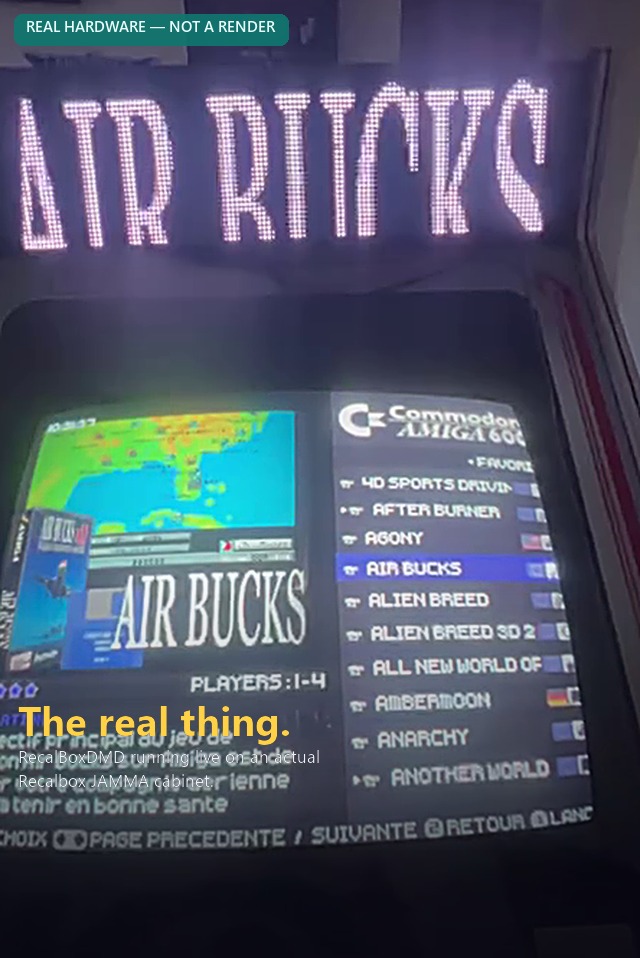
Flash the ESP32 firmware straight from your browser — no Arduino IDE, nothing to install.
Before you start
Use Google Chrome or Microsoft Edge on a desktop PC (Web Serial isn't available on mobile or other browsers).
Connect the ESP32 to your PC with a USB cable.
Have your SD card ready — prepare it separately with the PC Toolkit (Mode 1 — AUTO).
⚠️ When prompted, choose Erase device on a first install (or when switching from another firmware/DMDos) to fully wipe the flash. You can skip erasing on a simple re-flash/update.
Install
Your browser doesn't support Web Serial. Please open this page in Chrome or Edge.This page must be served over HTTPS (it is, if you're reading this on GitHub Pages).
Click Install, pick the ESP32's COM port in the browser prompt, and follow the on-screen steps. Takes about a minute.
ESP32 not showing up?
Install the USB-to-serial driver for your board's chip: